
Instant. Smart. Seamless.
Latest: v1.2.8
• August 4, 2026
TextSwapper brings modern text replacement to Windows—no scripts, no setup headaches, just added efficiency. Create your own custom shortcut triggers that automatically expand into full words, phrases, or text blocks like email signatures — anywhere you type.
Whether you're writing emails, coding, or filling out forms, TextSwapper quietly works in the background, replacing repetitive typing with one simple keystroke. Built as a lightweight Windows tray app, TextSwapper is designed for professionals who value speed and simplicity.
Manage all your replacements through a clean, intuitive interface with import/export support and a minimal memory footprint. Say goodbye to repetitive typing and hello to instant productivity.
Windows 10 or later
64-bit processor
Less than 10 MB disk space
No additional dependencies required
Create your own custom shortcut triggers that automatically expand into full words, phrases, or even email signatures anywhere you type. Anything from a simple replace of “myemail” to “my_email@my-domain.here” to creating dynamic replacement text that simplifies inserting common items like custom formatted date and time variables, or pulling from the clipboard or even inserting things like your local LAN or WAN IP addresses when needed. It’s as simple as you need or as advanced as you require.
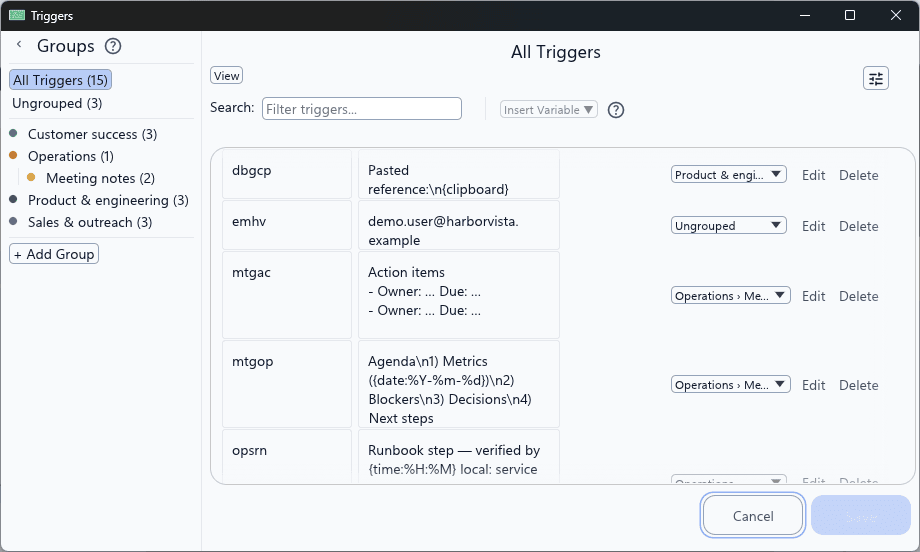
Whether you're writing emails, coding, or filling out forms, TextSwapper quietly works in the background by watching for your trigger phrases to replace repetitive typing.
Built as a lightweight Windows tray app, TextSwapper is designed for professionals who value speed and simplicity with a minimal memory footprint.
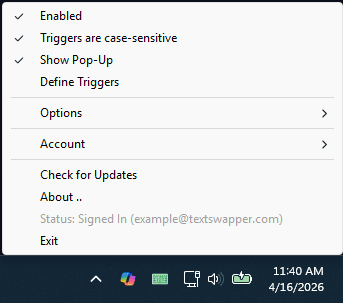
TextSwapper is perfect for a variety of scenarios where you find yourself typing the same text repeatedly.
Quickly insert your full email address with a simple trigger word like 'mymail' or another personalized phrase.
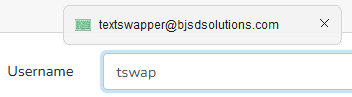
Use a short trigger word to insert multiple lines of replacement text useful in documents, coding, etc.
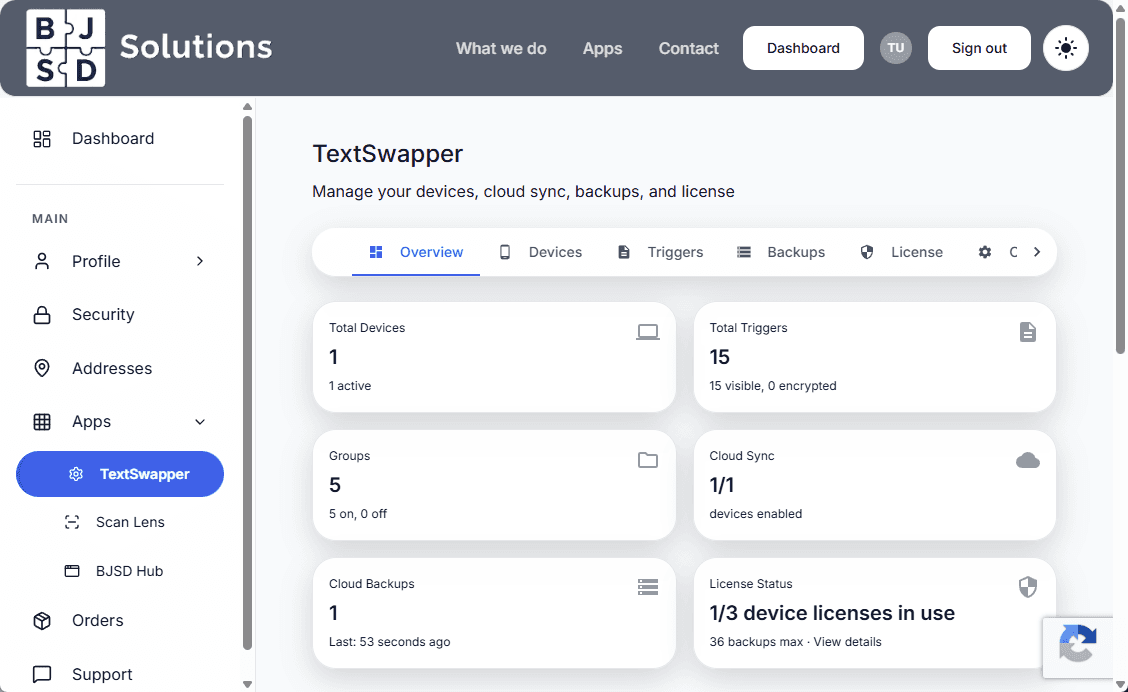
Manage all your trigger replacements through a clean, intuitive interface with import/export support for easy backup and migration. Your BJSD Cloud account allows for managing backups, restoring from backups, and exporting compatible files that can be imported via the app.
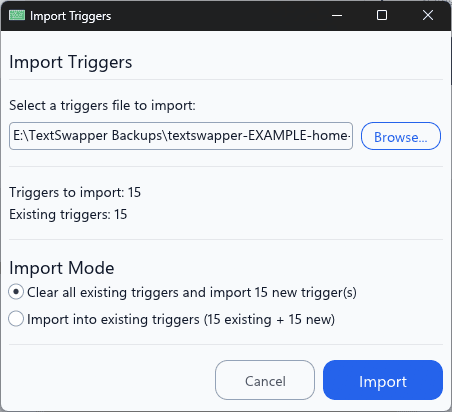
Manage not only your BJSD Cloud purchases but gain access to full owned application management at bjsdsolutions.com/dashboard
View your licenses, manage licensed devices and purchase additional licenses as needed. Manage your TextSwapper trigger database, backups and initiate restores via the web.
Need a custom feature? A new variable that can make your life simpler? We’re always adding new features. Just log a support ticket with your request and we’ll work with you to implement what you need.
One-time purchase, lifetime license. No subscription.
© 2026 BJSD Solutions, LLC · Smoothie Media Labs